Transforms : Smart Resize
What is Smart Resize?
Smart Resize performs content-aware image resizing on the current layer, allowing you to resize an image in such a way that only unimportant details are resized while important details remain untouched. You can highlight important areas in the image as shown below (left-click, drag then release). You can also set the output size and slope bias, which controls the hardness/softness of the boundaries between resized and unresized regions of the image.
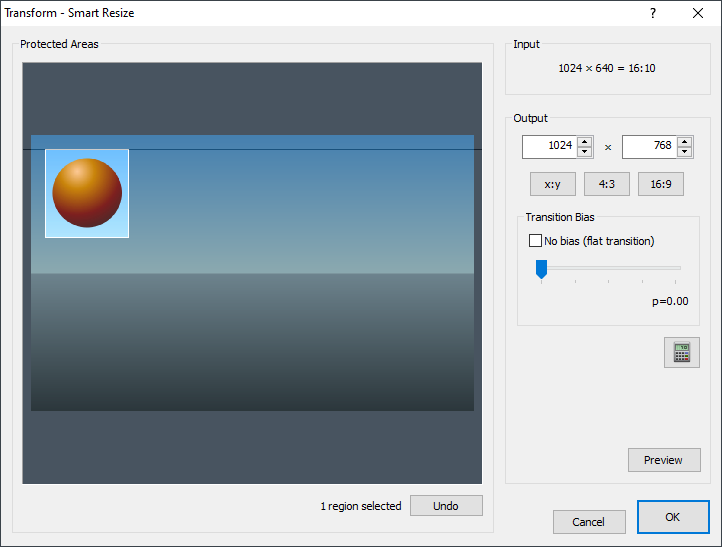
Chasys Photo utilizes a fast, proprietary algorithm that delivers results that are superior to the “seam-carving” algorithm used by other image editors (also known as “content-aware image resizing”, “content-aware scaling”, “liquid resizing”, or “liquid rescaling”). Resizing can involve shrinking the source image, expanding it or a combination of the two:
| Shrunk copy (300x300): |
|---|
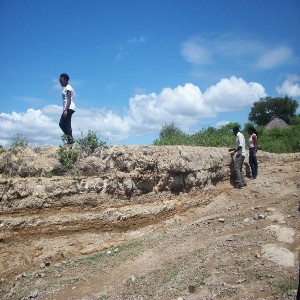 |
| Original image (400x300): |
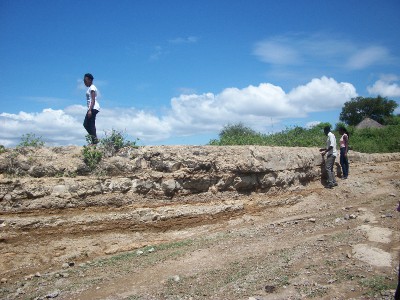 |
| Stretched copy (600x300): |
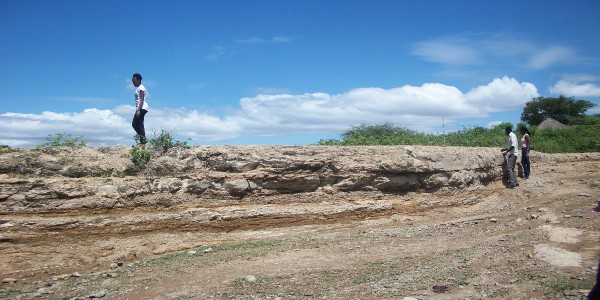 |