Filling Paint Tool
 This tool will fill the area clicked with the color that
corresponds to the mouse button used. The 'area clicked' in this context means
all areas around the point clicked that have the same color with it. When the left mouse button is clicked, color#1 is used as the fill color and if the right button is clicked, color#2 is used. When a border color is needed, the other color is used.
This tool will fill the area clicked with the color that
corresponds to the mouse button used. The 'area clicked' in this context means
all areas around the point clicked that have the same color with it. When the left mouse button is clicked, color#1 is used as the fill color and if the right button is clicked, color#2 is used. When a border color is needed, the other color is used.
| Options |
|---|
This option does a normal floodfill. The pixel under the mouse pointed and all neighbouring pixels of the same color are replaced with the fill color. The filling stops when pixels of other colors are encountered.
|
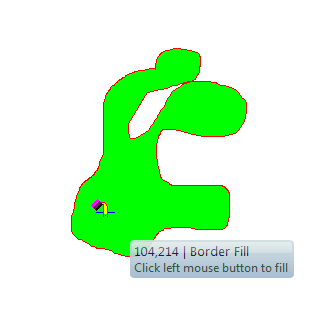
This option will fill an area with the fill color until it encounters a border drawn with the other color. If, for example, you've selected green and red, it will fill with green the area bounded by a red line. If no red border is encountered, or it does not enclose the area completely, it will fill the whole image.
|
 Normal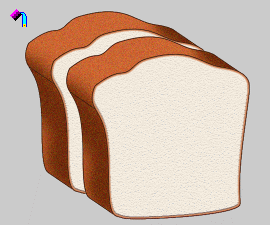
 Border