Online Help for Chasys Photo
Transforms : Rotate
What is Rotate?
This transform rotates the current layer around its center. If you are doing pixel art, you have the option to disable resampling so that you don’t get fuzzy edges.
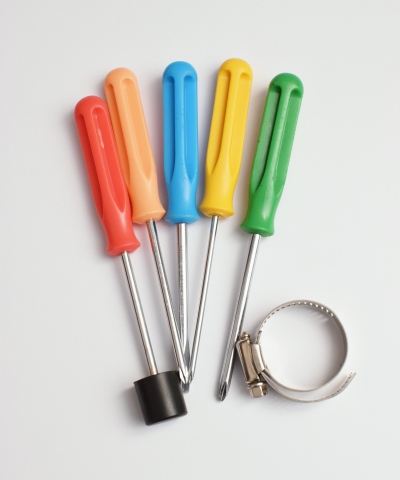 |
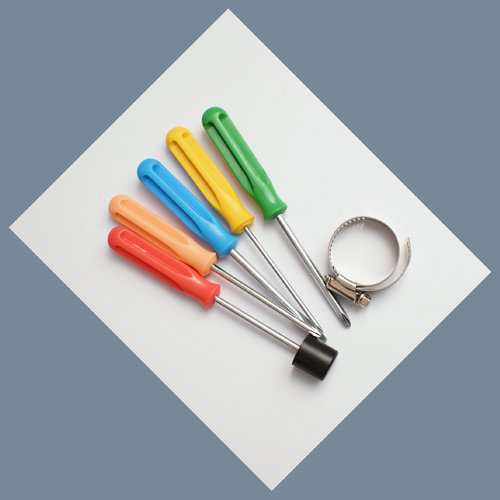 |
The preview image is done in draft quality, however, when you click OK the whole operation is repeated in the maximum possible quality.
Thus, the final image will usually look better than it did when you were setting transform parameters.
You also have the option of a blocky rotation if you are doing pixel art.