Shape Tool
 The shape tool allows you to draw various common shapes such as rectangles, circles, etc.
Just click the start point then move the mouse to set the shape. Click the end point to set. Right-click (or press Enter) to apply.
The size of the area can be controlled using the snap-to-grid feature, in which case the tool will correct the box size to always be a multiple of the grid size.
The shape tool allows you to draw various common shapes such as rectangles, circles, etc.
Just click the start point then move the mouse to set the shape. Click the end point to set. Right-click (or press Enter) to apply.
The size of the area can be controlled using the snap-to-grid feature, in which case the tool will correct the box size to always be a multiple of the grid size.
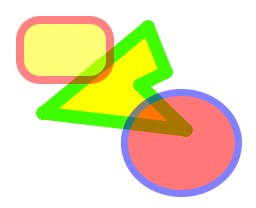
Use the anti-alias mode to enable or disable anti-aliasing. When anti-aliasing is enabled (default); all drawing is done at the sub-pixel level to give you the highest quality results.
| Options |
|---|
|
|
|
|
 Border only
 Fill only
 Border and Fill
 Alpha-blend