Photoshop Plug-ins Bridge
What is Photoshop Plug-ins Bridge?
Adobe Photoshop is a graphics editing program developed by Adobe Systems Incorporated. The Photoshop plug-in format, which uses the file extension .8BF, is a file format for plug-ins used by Adobe Photoshop, and by a few other major image editors. 8BF files can be opened with these programs and act like mini-editors which can modify images for use in the parent program.
“Photoshop Plug-ins Bridge” is a Chasys Photo image effects plug-in that allows you to use 8BF plug-in files with Chasys Photo. It acts like a bridge between Chasys Photo and 8BF.
How do I use Photoshop Plug-ins Bridge?
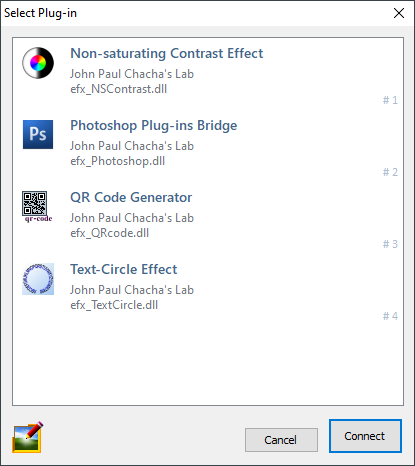
To use Photoshop Plug-ins Bridge, go to the Effects menu and select External Plug-ins. You'll be presented with a dialog box where you can choose the effects plug-in you want to use. Select “Photoshop Plug-ins Bridge” and then click “CONNECT”.
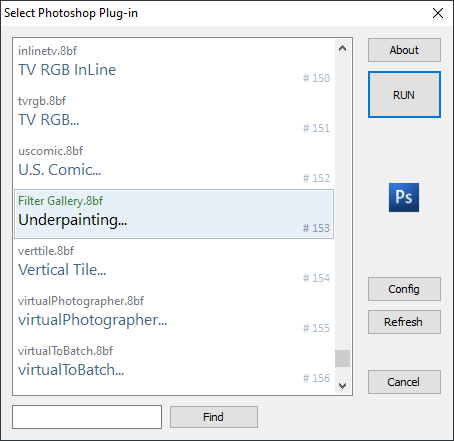
The plug-in then searches the configured 8BF folder for 8BF files and lists the effects contained in these. Note that one 8BF file can contain more than one effect. You then choose the effect you want an click "RUN" to execute it.