The Autosave Feature
Asynchronous Multi-Tracking AutoSave
Image editing can be tedious work and as such it can be very annoying if you lose your work due to a power outage or system error. Chasys Photo Editor helps you avert possible disaster by automatically saving copies of your work at regular intervals. These are only discarded if you properly shutdown the program. Should a power outage occur, the copies will still be on disk and will be detected next time you start Chasys Photo Editor.
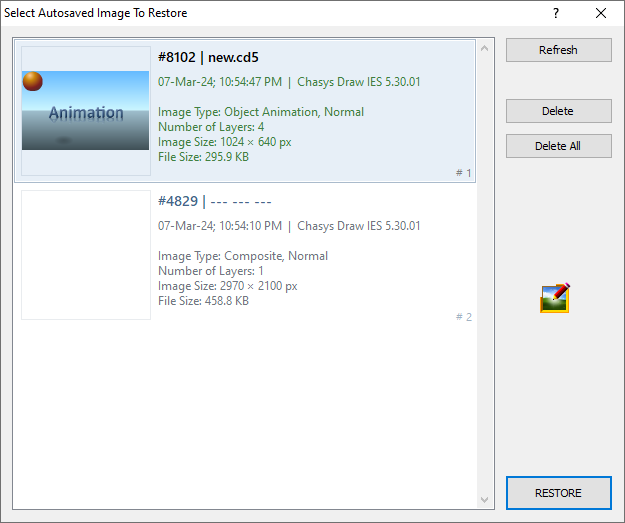
The autosave feature is asynchronous, which is to say that it does not interrupt your work; it operates in the background without your knowledge. This makes it very fast and reliable.
You can set the autosave interval using the Configure menu to any value between 5 seconds and 20 minutes in 5-second steps. The exact frequency of autosave depends on a variety of factors, including the size of the image, disk speed and the power state of the computer.
System Requirements
The autosave buffers (space on your hard-drive where Chasys Photo Editor stores autosave information) can be quite large – sometimes as large as 500MB or more per session. For this reason, you should ensure that you have adequate free space on your installation drive (or custom TEMP drive if you’ve defined one), especially if you work on several images simultaneously. I recommend at least 2GB free space on a fast hard-drive.