Custom Shape Tool
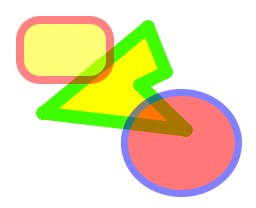
 The custom shape tool allows you to draw a custom shape (polygon) of your choice by setting vertices.
Just click the start point then move the mouse and click to set the shape. Right-click the end point to finish. Click and drag points to edit. Right-click again to apply.
The custom shape tool allows you to draw a custom shape (polygon) of your choice by setting vertices.
Just click the start point then move the mouse and click to set the shape. Right-click the end point to finish. Click and drag points to edit. Right-click again to apply.
Use the anti-alias mode to enable or disable anti-aliasing. When anti-aliasing is enabled (default); all drawing is done at the sub-pixel level to give you the highest quality results.
| Options |
|---|
|
|
|
|
 Border only
 Fill only
 Border and Fill
 Alpha-blend