Online Help for Chasys Photo
Processes : Stacking : Other
What is Other?
The "other" image stacking operation uses several images to create an output image based on a mathermatical operation specified by the user. This operation has no specific use; it’s up to the user to decide what he intends to achive and choose and operation that delivers that end.
The “how” bit
You need at least 2 same-size images of the same scene to run this engine. The images need to be aligned; this can be done by either making sure the camera remains perfectly still or by using the Align Images for Stacking feature.
This is the GUI for the Other feature:
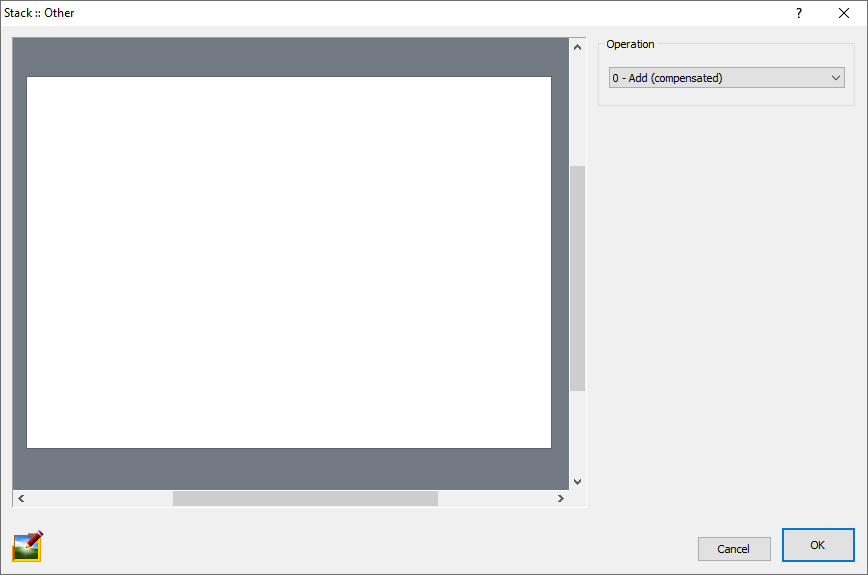
The GUI offers several mathematical operations to choose from, as described below:
| Operation | Details |
|---|---|
| Add | Adds up all the pixel values from the stack. |
| Minimum | Selects the pixels with the lowest absolute values from the stack. |
| Maximum | Selects the pixels with the highest absolute values from the stack. |
| Peak Diference | Gets the difference between the lightest and darkest members of the stack. |