Effects : Color
Replace Color
Replaces all color#1 with color#2 or a color determined by the provided color shift parameters; within specified tolerances.
 |
 |
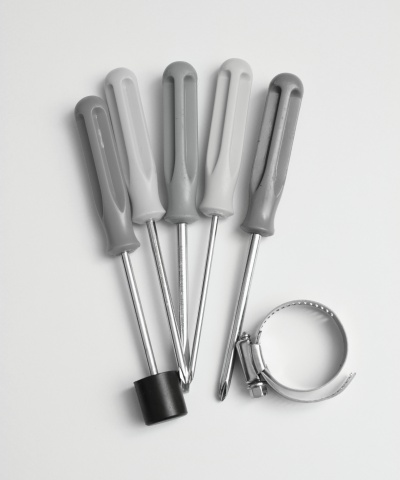
Decolorize
Decolorizes the source image.
|
 |
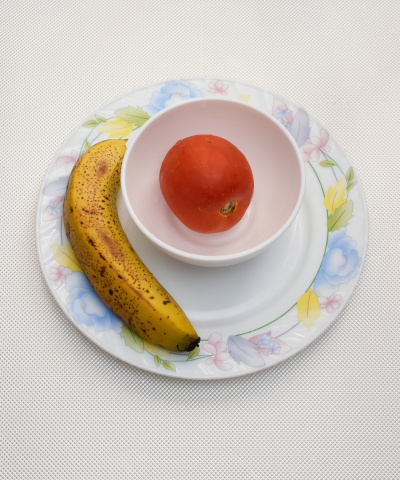
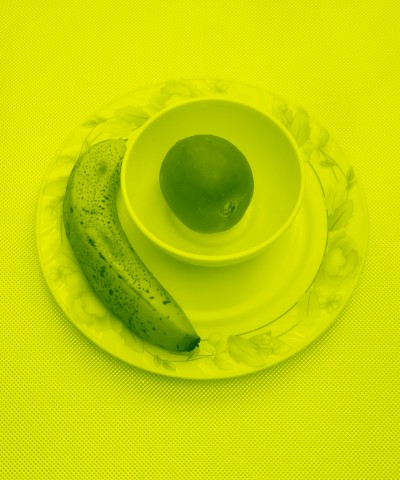
Duo Tone
Creates a continuous-tone images consisting of color#1 and color#2 and all combinations thereof, as dictated by the luminance in the source image.
 |
 |
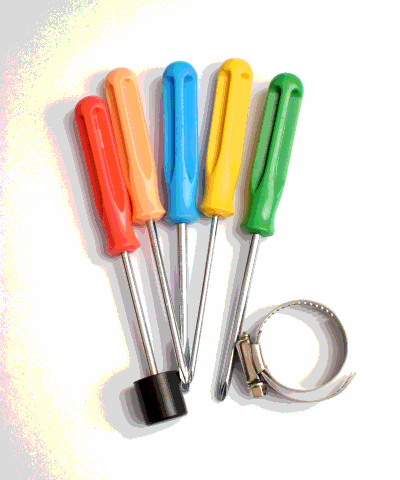
Posterize
Creates the illusion of reduced color bit-depth.
|
 |
Bilevelize
Same as posterize, but limits the bit-depth to one bit per channel and adds the option to set the threshold for the bit.
|
 |
Negative
Inverts all the color channels in the image; this has the effect of replacing colors with their complementary colors.
|
 |
Gradient
Uses the luminance if the image to index into the current gradient object then applies the resulting colors to the image; this has the effect of replacing a plain gradient with the current custom gradient.
 |
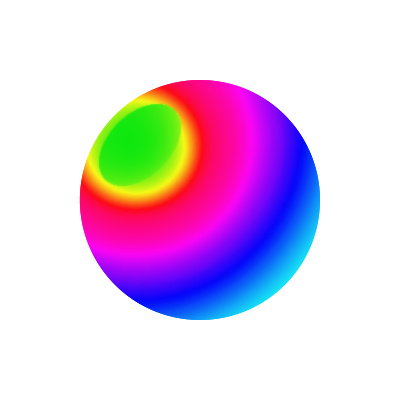 |
Limit Colors
Resamples the image to contain a specified maximum number of 256 colors. You can choose to use a fixed or an optized palette, and you can also choose whether or not to use dithering.
|
 |
Channel Manipulation
See color matrix filter.